STC Tools · v1 · macOS

NATIVE TOOLS
FOR OUR OWN
DESKS.

Sometimes we build for clients. Sometimes we build because the existing tool wastes our CPU and looks like it was designed in 2008. Free, signed, zero telemetry. Drop them in /Applications and forget about them.

The suite

Three apps. Zero bloat.

Built in pure SwiftUI. Each under 3 MB. Each does one thing exceptionally well — and gets out of your way the rest of the time.

01 — Process monitor

Pulse

Activity Monitor + Force Quit, rebuilt as a desktop widget.

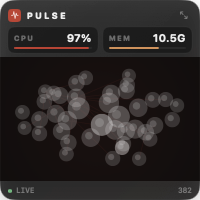
A small square that sits on your desktop showing live CPU, memory, and a galaxy of every running process — node size scales with memory, color glows red with CPU heat. Click the expand button for the full process table with sortable columns, search, hover-to-quit, and a destructive-action confirm so you don't murder Xcode by accident. Dock-less, status-bar resident, joins all Spaces.
1.4 MB SwiftUI native macOS 13+ Apple Silicon Ad-hoc signed
Pulse desktop widget — small square showing CPU, memory, and a galaxy of running processes
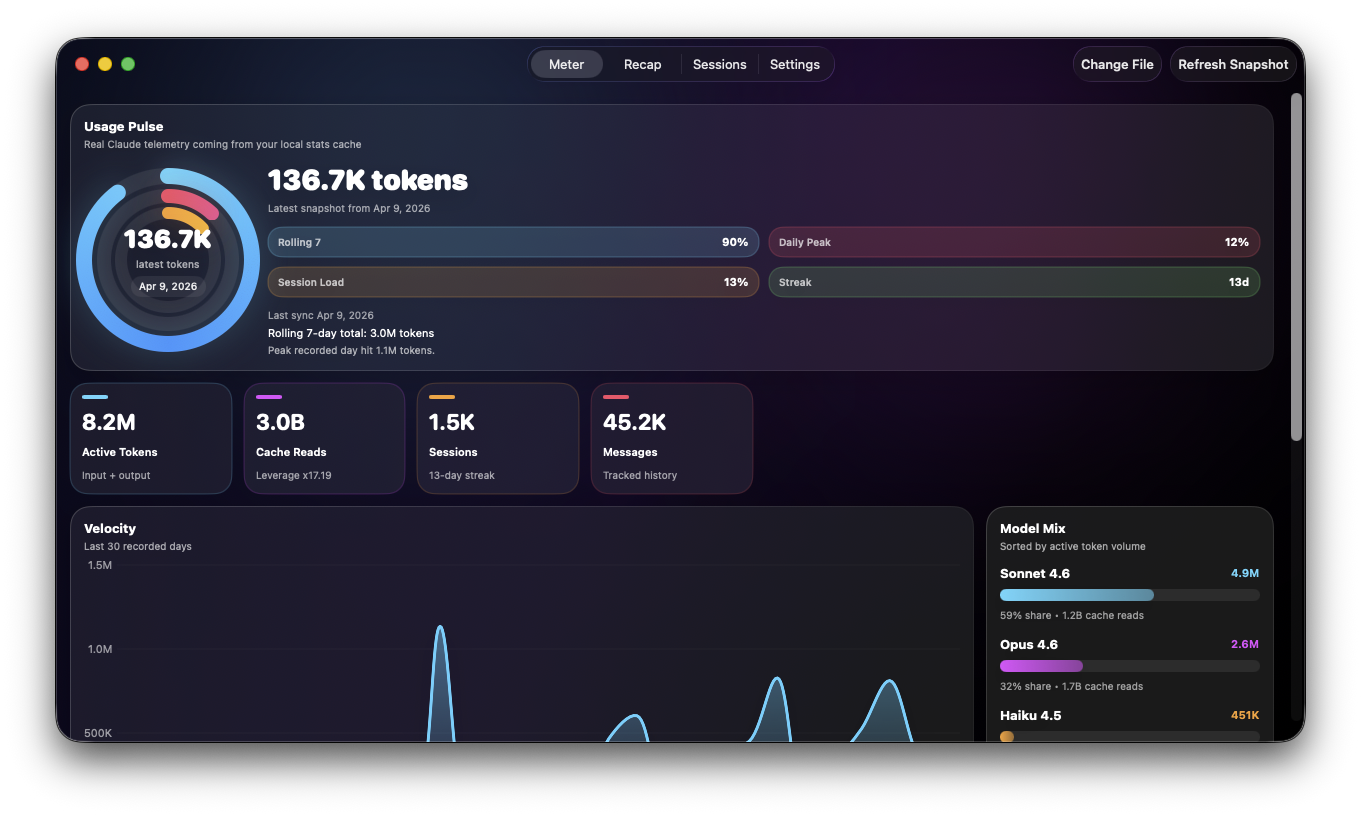
Claude Meter — local-first analytics dashboard for Claude Desktop usage
02 — Local analytics

Claude Meter

Local-first analytics for your Claude Desktop usage.

Reads the stats-cache.json Claude Desktop already writes locally and turns it into a real analytics surface — tokens, model mix, velocity, session intelligence, recap, streaks. No login, no server, no upload. The file stays on your disk. Tracks Sonnet 4.6, Opus 4.7, and Haiku 4.5 automatically.

2.7 MB SwiftUI native macOS 13+ Local-only Zero telemetry
03 — Codex rate-limit meter

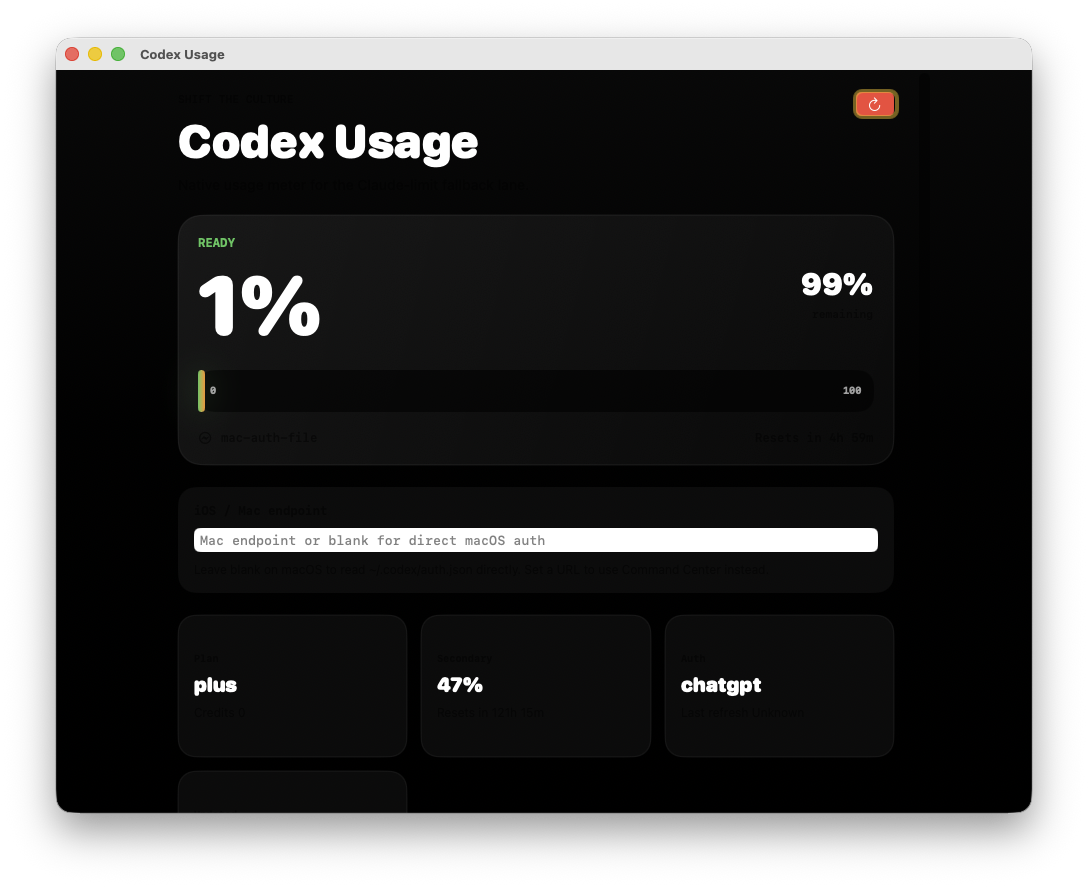
Codex Usage

Know when you'll hit your Codex limit before Codex tells you.

Reads your local ~/.codex/auth.json, calls the ChatGPT usage endpoint directly, and shows the primary 5-hour window and weekly secondary window side by side — used %, remaining %, plan type, account, last refresh. No middleman, no telemetry. When you see the bar push past 70%, you know to slow down.

213 KB SwiftUI native macOS 13+ Direct API ChatGPT Plus / Pro
Codex Usage — live rate-limit meter showing primary and secondary windows
Install

Four steps. No friction.

These apps are ad-hoc signed, not Apple Developer-signed yet — so first launch needs one right-click. Same trust model as a homebrew install.

01
Download

Click a download button above. macOS gives you a small .zip.

02
Unzip

Double-click the zip — macOS expands it to a .app automatically.

03
Move

Drag the app into /Applications.

04
Open

First launch only: right-click → Open to clear the Gatekeeper prompt.

FAQ

Stuff people ask.

Why is macOS warning me about an unidentified developer?

These are ad-hoc signed builds, not Apple Developer-signed yet. Right-click the app and pick Open — macOS lets you through. One-time prompt per app.

Do these apps phone home?

No. Pulse reads kernel process info via libproc. Claude Meter reads a local JSON file Claude Desktop already writes. Neither tool makes a network request. No telemetry, no analytics, no account.

Will they work on Intel Macs?

Current builds target Apple Silicon (M1+) on macOS 13 or newer. Intel build is on the list — drop us a note if you need it sooner.

Are these going on the App Store?

Claude Meter is App-Store-ready and the iOS companion is on the way. Pulse stays a direct download because the desktop-widget level needs an entitlement the App Store doesn't grant.

Do you build custom internal tools like these for clients?

Yes — that's the agency side. Native macOS, iOS, web. Work with us.